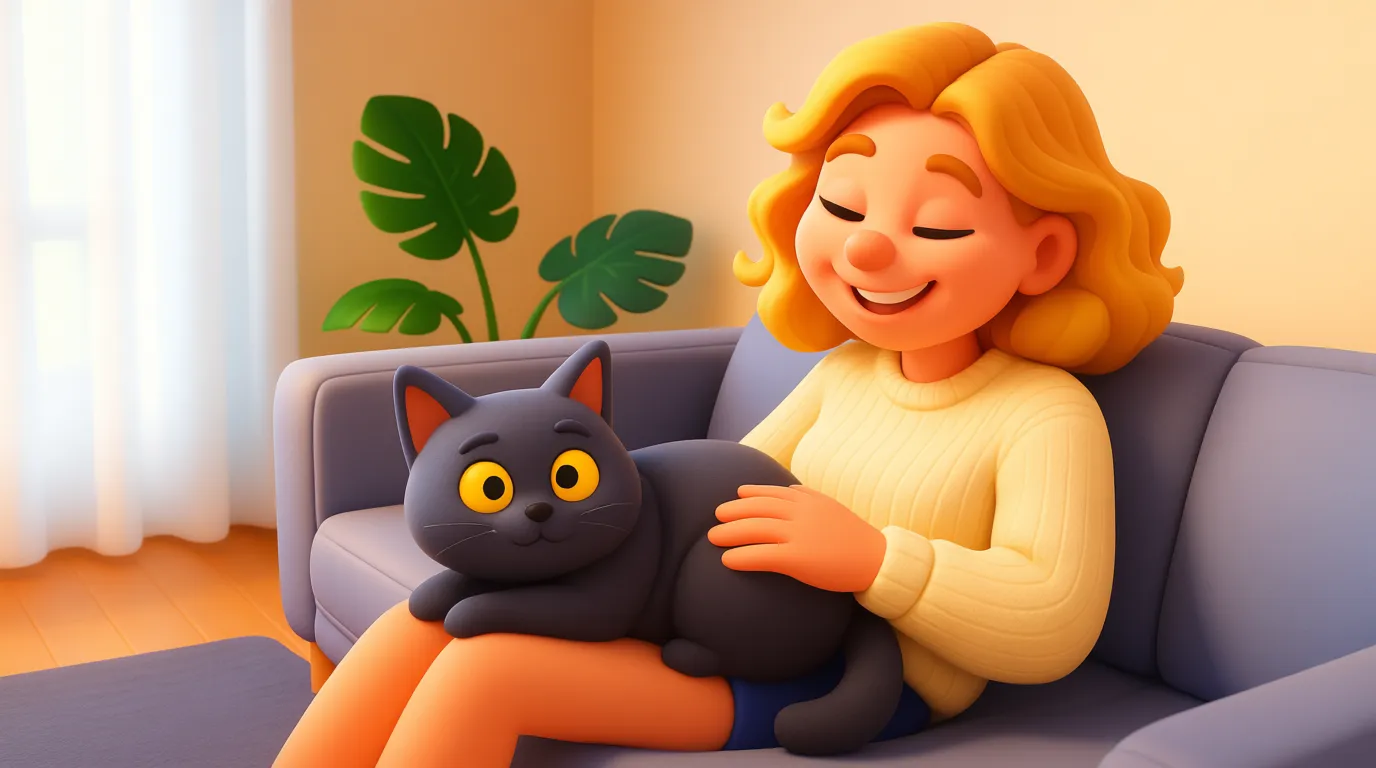
GPT Image 2
Preview generated video and review output status
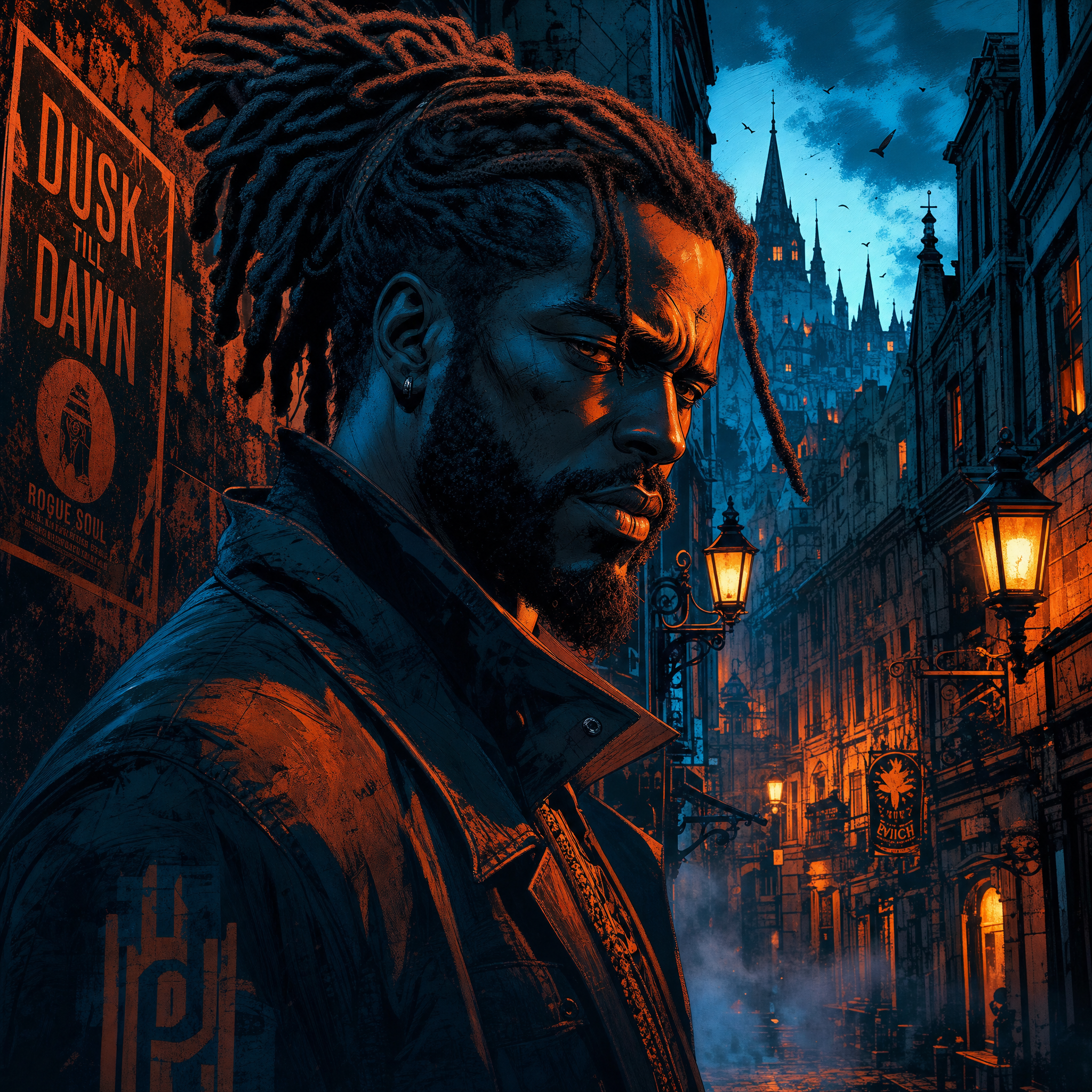
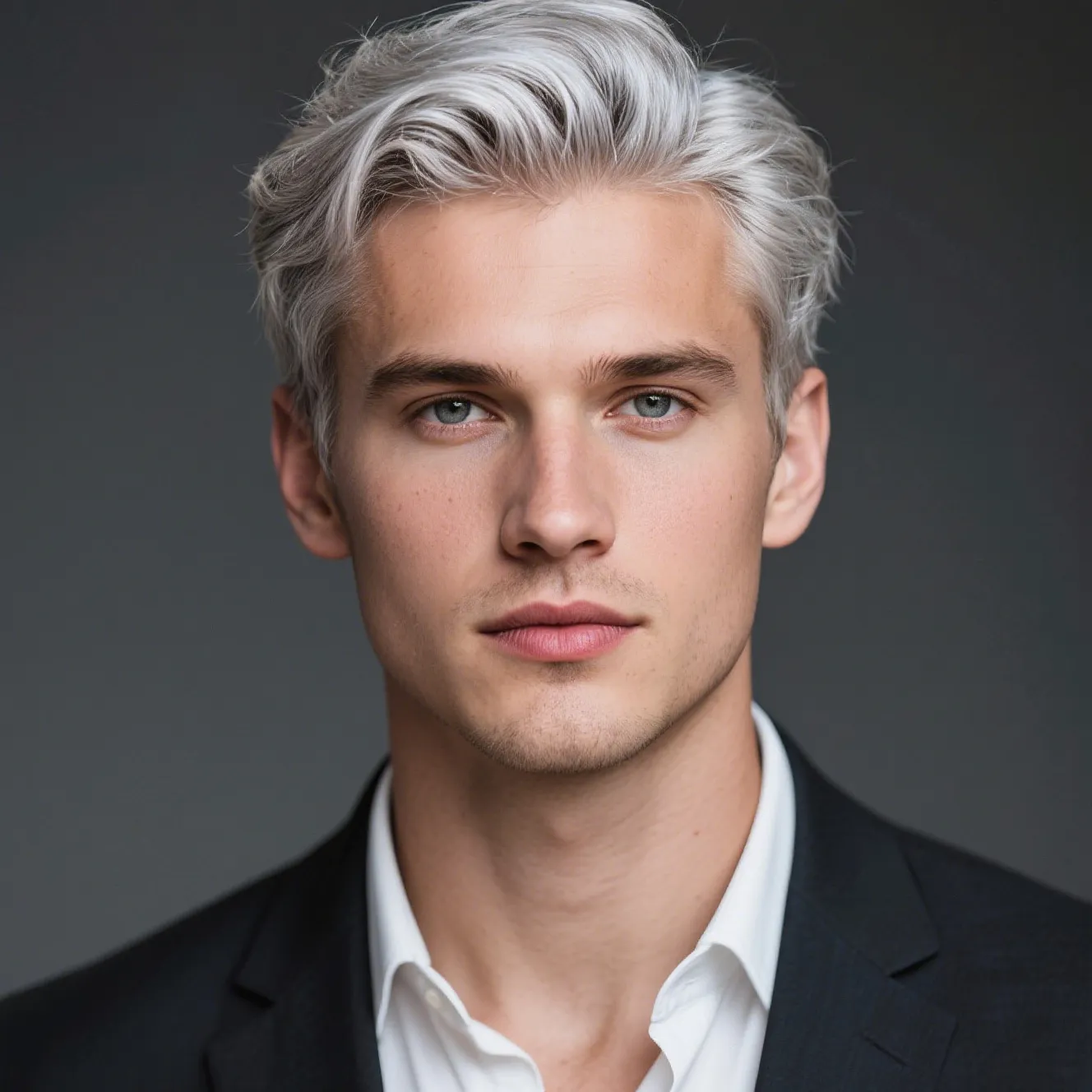
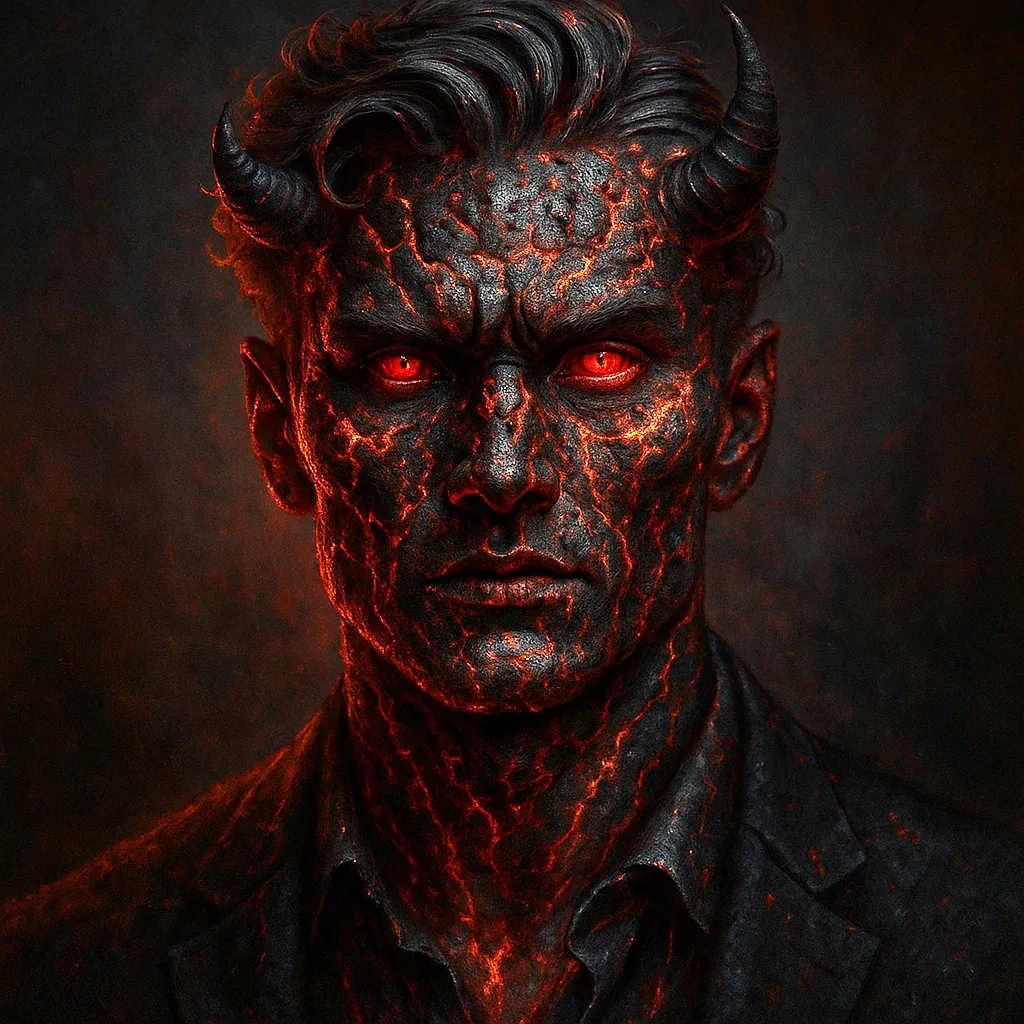
Before / After
Drag the slider to compare the original image with the AI-edited result.
Experience
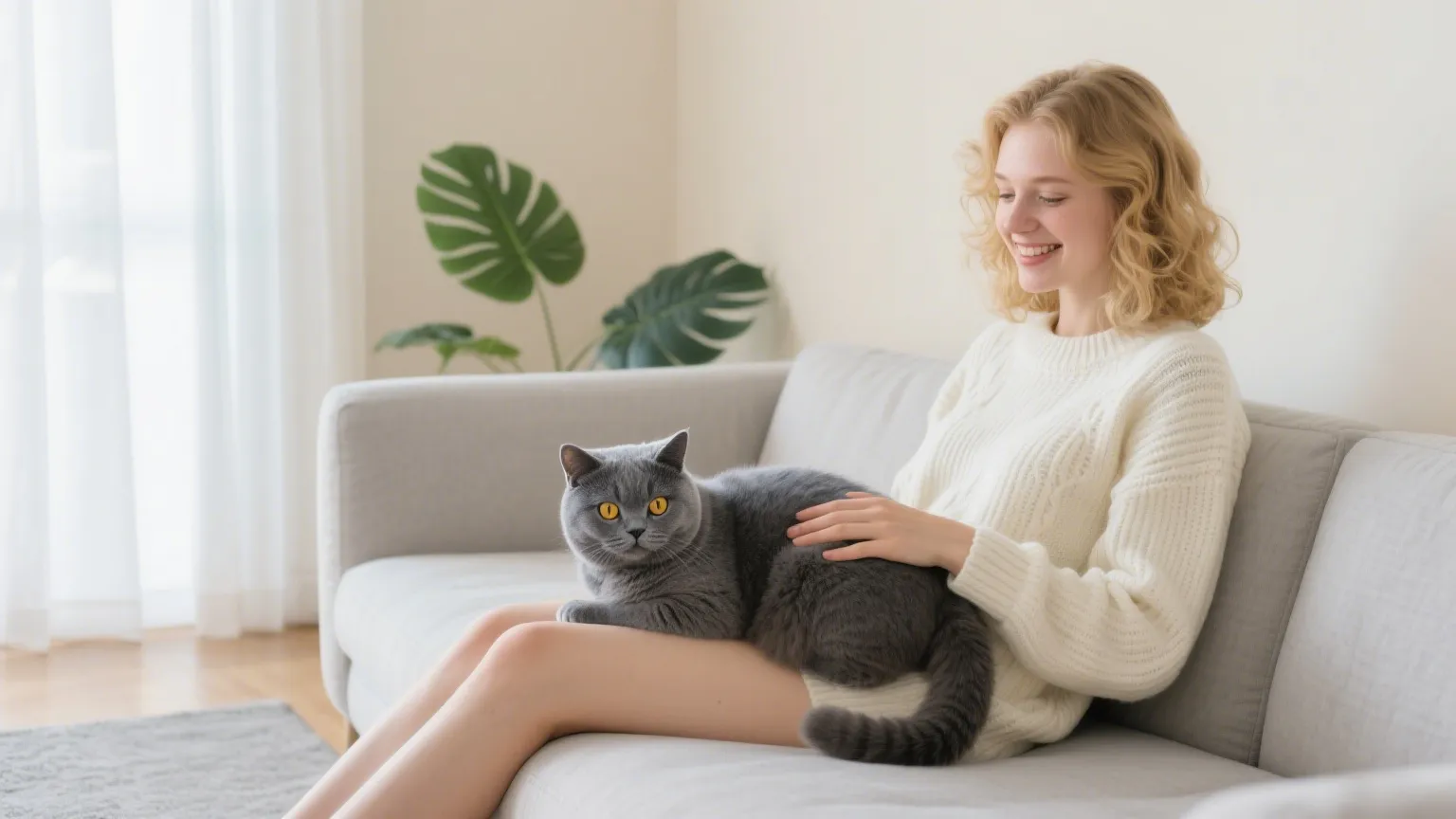
Write a prompt or bring a reference image, compare models, and keep image settings next to the preview.
Describe the image you want and let the model render it from text.
Keep aspect ratio, quality, and edit strength visible while you work.
Review the result in the same workspace where the request starts.
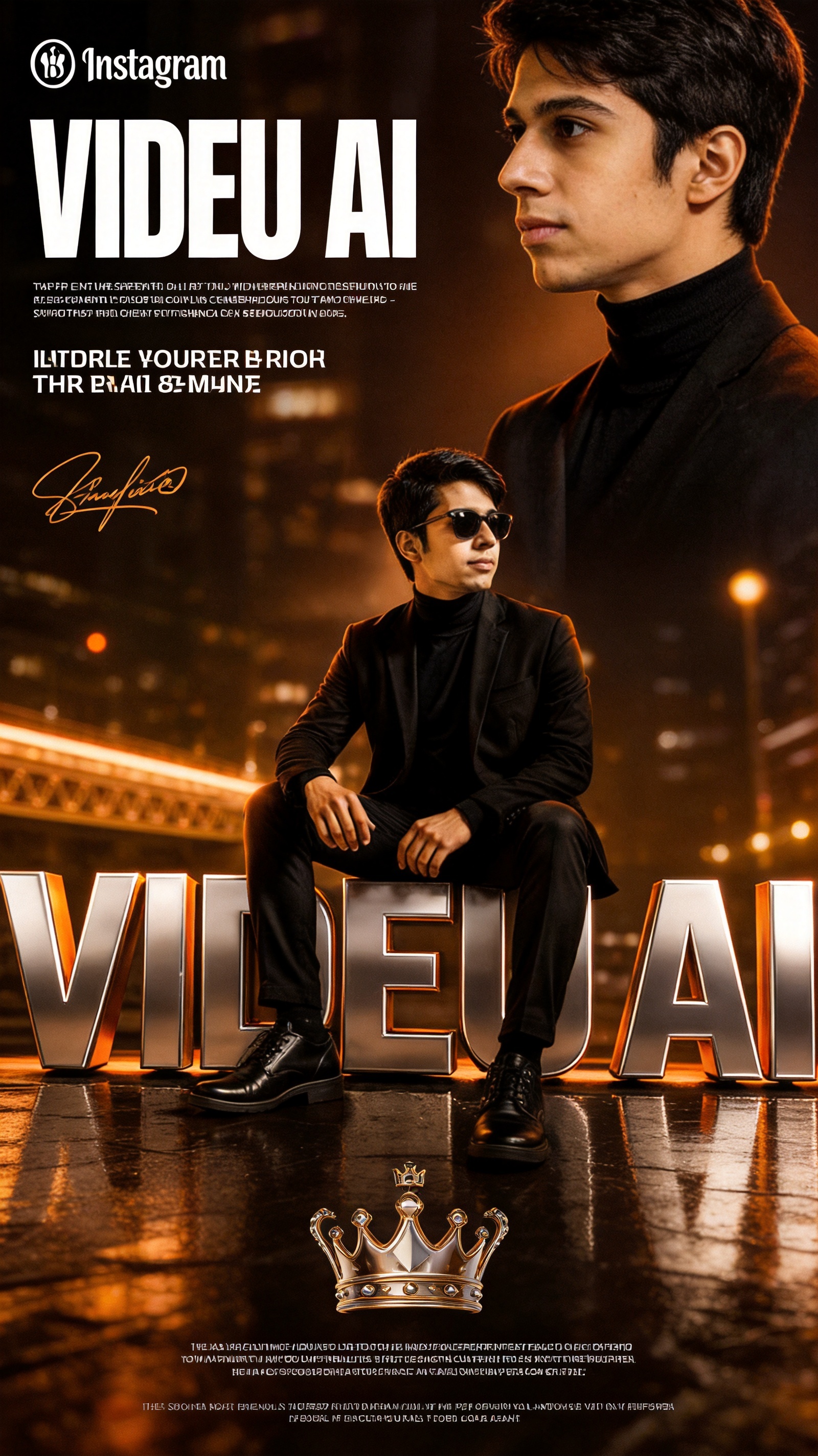
How It Works
Transform any image with a prompt — edit style, content, or mood in seconds.
Navigate to the Image to Image workspace on videu.ai and you're ready to start.
Drop in the image you want to edit or transform. It becomes the visual foundation for the AI.
Write a prompt describing what to change — style, color, content, or mood. Precise prompts give cleaner edits.
Click Generate to run the edit. Preview the result, download it, and use it freely.
Audience
The workspace supports anyone who needs fast visual exploration without heavy editing tools.
Draft thumbnails, posters, and post visuals for daily publishing.
Shape campaign imagery, product shots, and ad concepts quickly.
Prototype visual directions before committing production time.
Create pitch visuals, hero images, and brand assets from rough ideas.
Cost
Credit usage is tied to model quality and image resolution, so you know the cost before you generate.
Credits let you test ideas freely. Higher-resolution or premium-model outputs consume more.
Expected credit usage is shown near the generate button before you commit.
Use fast, lightweight models for drafts and reserve premium models for final assets.
Move to a larger plan as your image generation output increases.
Visit the pricing page when you are ready to move from experiments to regular production.
An Image-to-Image AI Generator is a sophisticated tool designed to transform an existing image into a new one, guided by either a descriptive text prompt or a specific style reference. By leveraging advanced AI algorithms, it reinterprets the original visual input to produce creative, unique, and highly customized results.
No experience needed! It's completely user-friendly. Just upload your photo, add a prompt, and let the AI do the heavy lifting.
Yes, you can! Just use your text prompt to guide the AI's style. For example, you can ask for a “vintage film look” or a “futuristic cityscape” to completely transform the vibe of your image.
High-resolution photos, sketches, and product shots all work exceptionally well. Since the AI relies on the source material to reimagine your visuals, it performs best when given clear, detailed input to work with.
Absolutely. This tool is perfectly suited for commercial projects, including marketing visuals, product design, and content creation. Just be sure to review the specific license terms for your generated output.
It typically takes just a few seconds to generate a new image. The exact speed can vary slightly depending on the complexity of your prompt and the size of your original image.
Enjoy high-speed rendering, priority access to Veo3, Runway, PixVerse, Midjourney, and more AI Models, along with extended video and image generation.
Whether you're creating professional content or optimizing your workflow, Premium offers more tools, more credits, and faster speeds.
Upgrade now to experience cutting-edge AI features first.